FAST SHIPPING - LOWER PRICE - EASY RETURNS

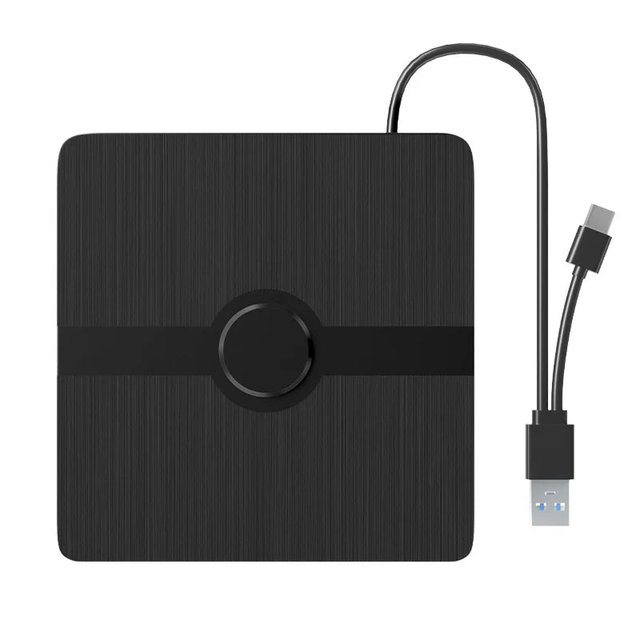
Blu Ray Player - BluVanex
$89.95$178.0049% off
Discount only available in


Bring Disc Access Back To Any Laptop Or Computer With The BluVanex Blu Ray Player
Frustrated By A New Laptop That Has No Disc Drive For Your Movies And Files?
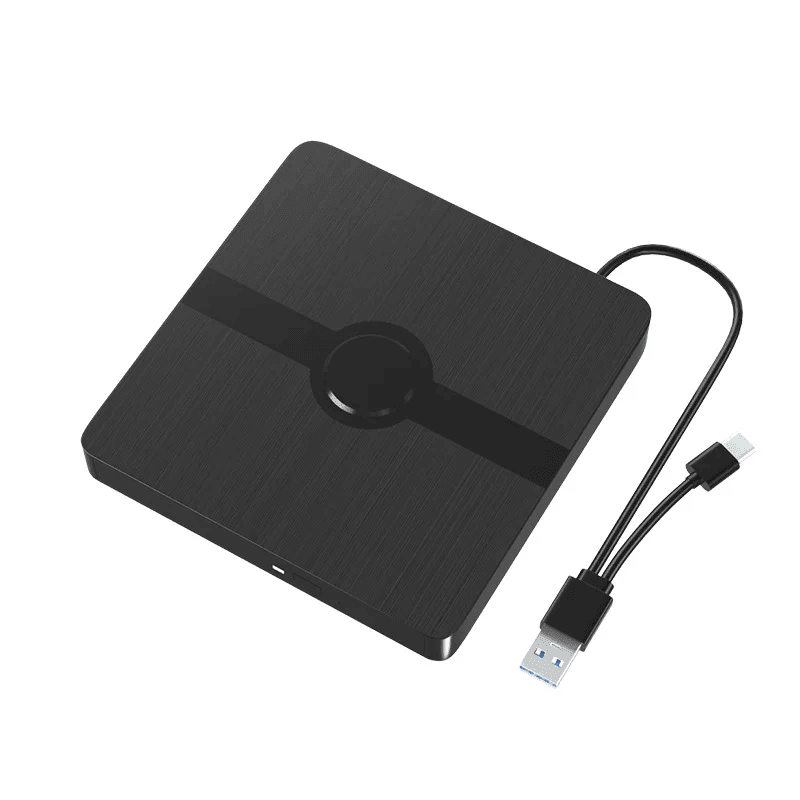
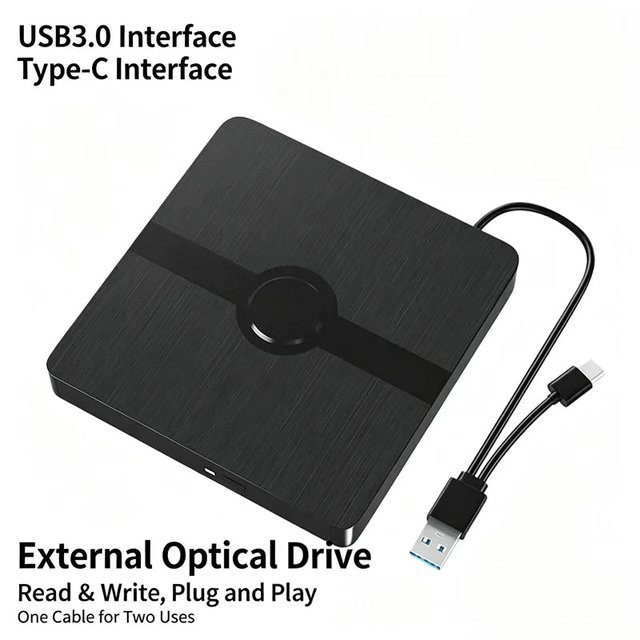
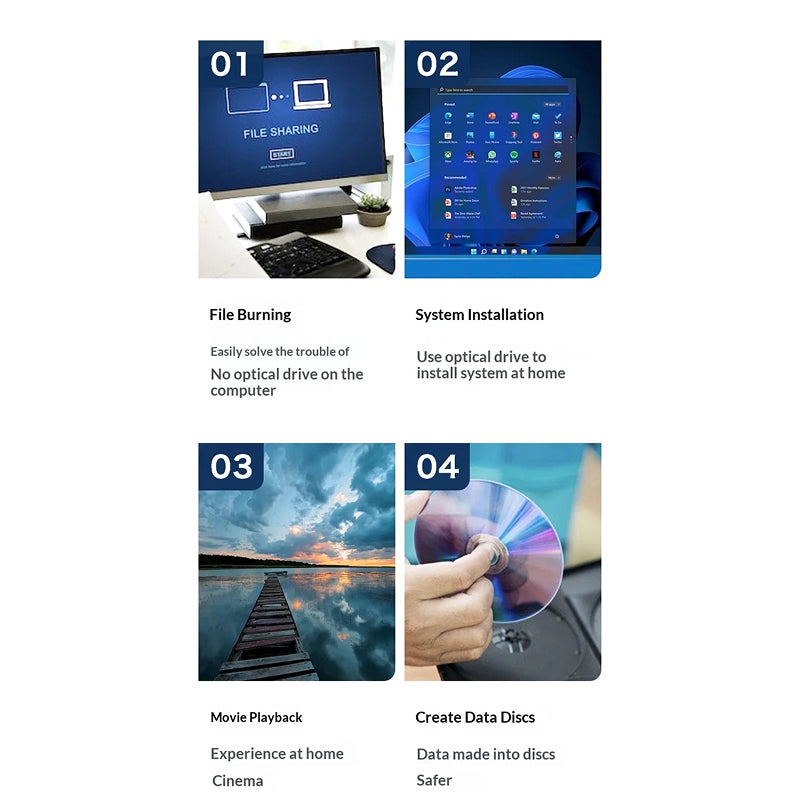
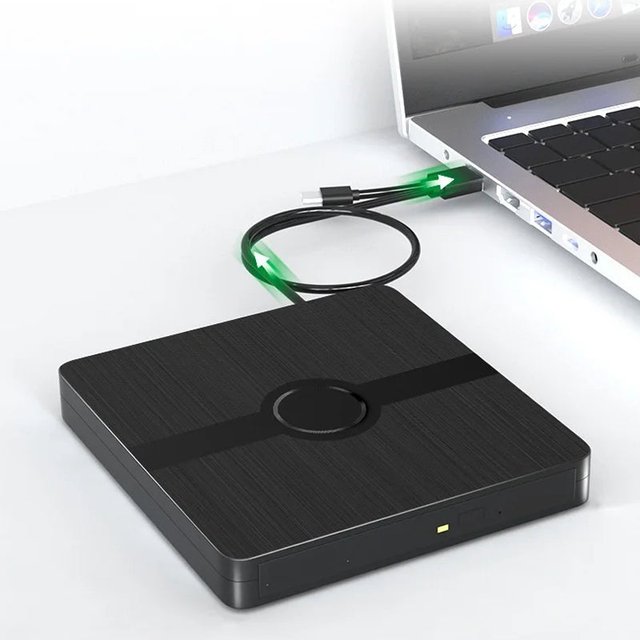
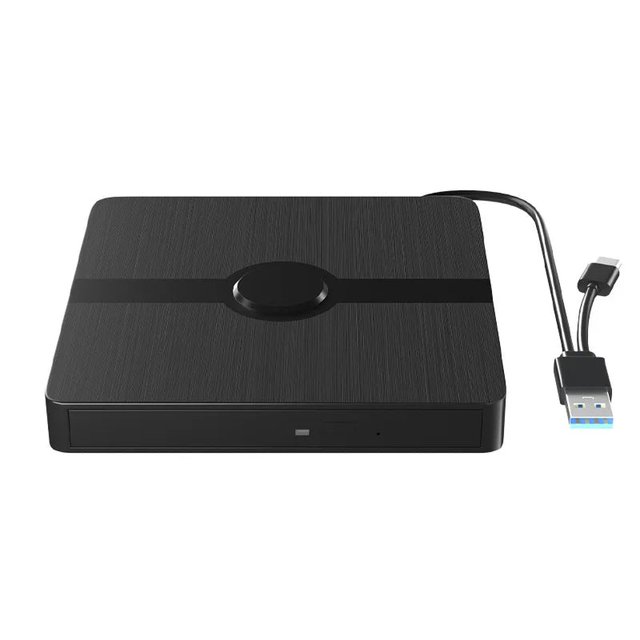
Stop being locked out of your disc collection by modern hardware. The BluVanex Blu Ray Player is a slim, portable external disc drive that connects instantly to any laptop or desktop through a built-in 2-in-1 cable with both USB 3.0 and USB-C connectors, restoring full access to your CDs, DVDs, and Blu-ray discs so you can watch movies, install software, rip music, and retrieve old photos and files from any computer without a built-in drive.
Tired Of Installing Drivers And Going Through Complicated Setup Before You Can Use A Device?
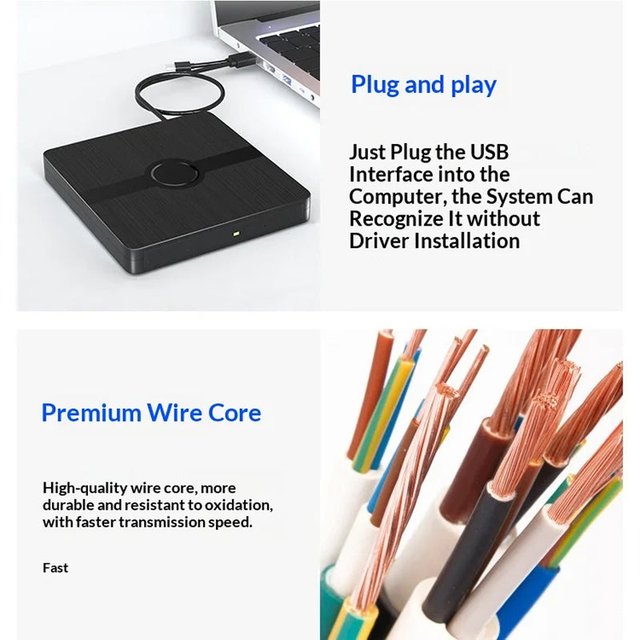
Be up and running the moment you plug it in. The BluVanex Blu Ray Player is a true plug-and-play device that your computer recognises automatically the instant it is connected, with absolutely no driver downloads, software installation, or manual configuration required before your first use, making it the fastest and most effortless way to add disc access back to any laptop at home, at work, or on the go.
Worried About Old Or Scratched Discs That Other Drives Simply Cannot Read?
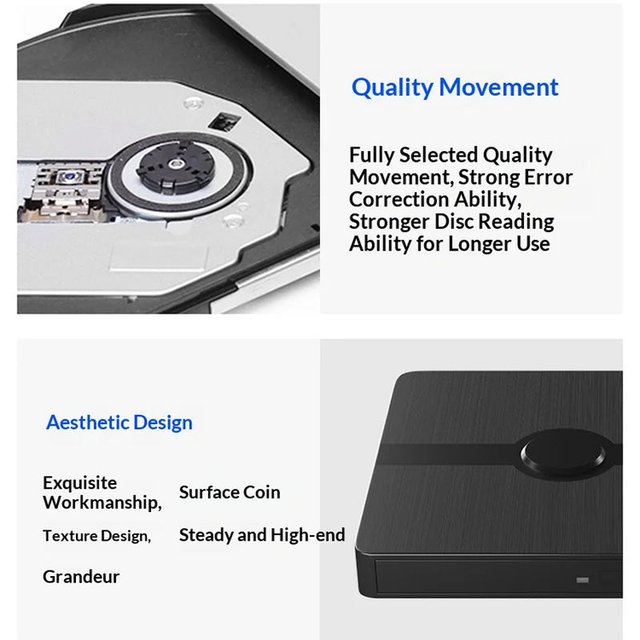
Give your entire disc collection a second chance. The BluVanex Blu Ray Player features a reliable drive mechanism with strong built-in error correction technology specifically designed to handle scratched, aged, and worn discs that cheaper drives fail to read, ensuring you can recover old family photos, play classic movie discs, and access archived data files even when those discs have seen years of handling and storage.
Experience Instant Plug-And-Play Disc Access And Fast USB 3.0 Performance With BluVanex Blu Ray Player
Elevate your laptop's capabilities with a portable external disc drive engineered for universal compatibility, effortless convenience, and reliable long-term performance. This slim, bus-powered drive combines a 2-in-1 USB 3.0 and USB-C built-in cable, plug-and-play setup, strong error-correction disc reading, high-speed USB 3.0 data transfer, and a durable brushed finish in a lightweight body that fits into any laptop bag for use at work, school, or while travelling.
2-In-1 USB 3.0 And USB-C Built-In Cable
True Plug-And-Play No Driver Required
Strong Error Correction Disc Reading
2-IN-1 USB 3.0 AND USB-C CABLE
A single built-in cable carries both a USB-A 3.0 and a USB-C connector so the BluVanex works seamlessly with older computers that have standard USB-A ports and the newest USB-C only laptops alike, eliminating the need for adapters, separate cables, or compatibility checks before connecting the drive to any device you own.
TRUE PLUG-AND-PLAY OPERATION
Your computer detects and mounts the BluVanex automatically the moment the cable is connected with no driver installation, no setup wizard, and no configuration required at any point, making it the simplest possible way to add disc playback and burning capability back to any laptop or desktop computer in a matter of seconds.
RELIABLE ERROR CORRECTION DISC READING
A quality drive mechanism with advanced error correction actively compensates for scratches, surface imperfections, and age-related degradation on older discs, giving you a significantly better chance of successfully reading discs that standard budget drives would fail to recognise or play, protecting access to your irreplaceable archived data and media collections.
HIGH-SPEED USB 3.0 DATA TRANSFER
USB 3.0 connectivity delivers fast data transfer speeds for reading and writing discs, ripping music libraries, backing up files, and burning data discs, while full backward compatibility with USB 2.0 ports ensures the BluVanex works reliably even on older computers that do not support the faster USB 3.0 standard without any performance configuration needed.
READ AND WRITE FULL DISC CAPABILITY
The BluVanex reads and plays CDs, DVDs, and Blu-ray discs for movies, music, and data access, and also burns your own data, music, and video discs, making it a complete two-way disc solution that handles everything from playing a film to creating a personalised backup disc or burning a music collection in a single compact portable device.
SLIM PORTABLE DURABLE DESIGN
A thin, lightweight body with a premium brushed textured black finish and a sleek circular centre design slips easily into any laptop bag or backpack for effortless portability, while a durable oxidation-resistant copper wire core cable provides a stable, reliable connection that holds up to the demands of daily use across years of regular plugging, unplugging, and travel.
Frequently Asked Questions
Do I need to install any drivers or software before using the BluVanex?
No. The BluVanex is a true plug-and-play device that your operating system recognises automatically as soon as the cable is connected. There are no drivers to download, no software to install, and no setup process to complete before your first use, making it immediately ready to read, play, and burn discs from the very moment you plug it in.
Will it work with both older USB-A ports and newer USB-C only laptops?
Yes. The built-in 2-in-1 cable includes both a USB-A 3.0 connector and a USB-C connector on the same cable, so the BluVanex connects directly to any laptop or desktop regardless of which port type is available. There is no need to carry a separate adapter or purchase an additional cable to use it across different computers or devices.
Can the BluVanex read scratched or older discs?
The BluVanex features a reliable drive mechanism with strong error correction technology specifically designed to improve the readability of scratched, worn, and aged discs that standard drives struggle with. While severely damaged discs may still present difficulties, the error correction system significantly improves the likelihood of successfully accessing discs that have seen heavy use or long-term storage.
What happens if a disc gets stuck inside the drive?
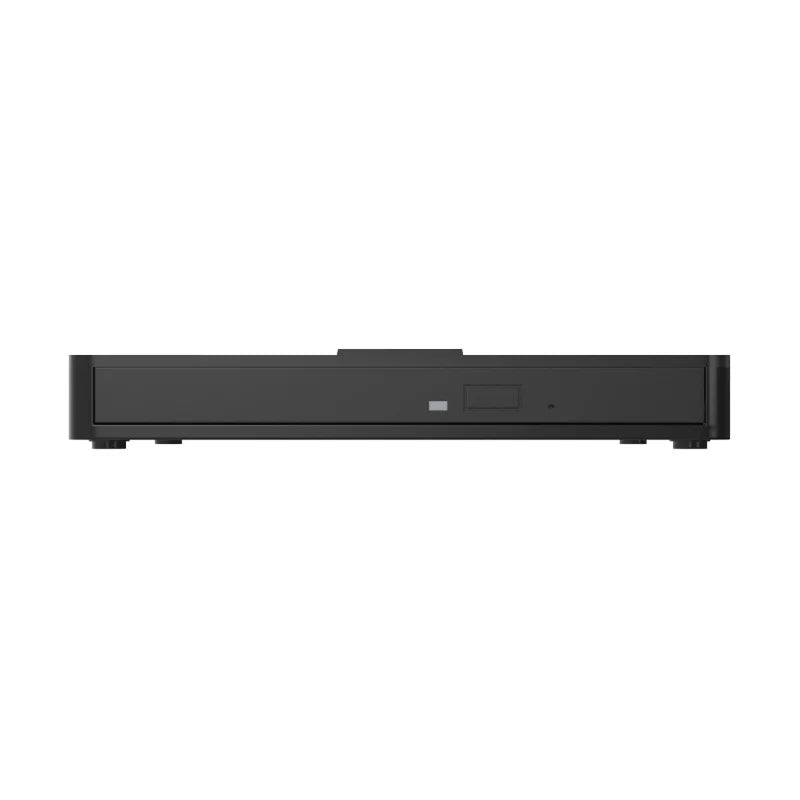
The BluVanex features a tray-loading mechanism with a dedicated eject button and a status indicator light on the front panel. In the event that a disc cannot be ejected through the standard button, an emergency eject hole is also provided on the front of the drive, allowing you to manually release a stuck disc using a straightened paperclip or similar thin object without any risk of damaging the drive or the disc.